
Namaste everyone,
So, in our last blog we have learnt the functionality of how to create basic structure of power automate by describing our requirement using “Edit with Co-pilot” feature. Check out this URL for Part – 1: https://powersparkbyshrangarika.wordpress.com/2023/09/13/preview-feature-ai-powered-edit-with-co-pilot-in-power-automate-part-1/
Now, in this blog, we will learn to update our cloud flow using this feature. Let’s do it!
Step 1: Goto make.powerautomate.com
Step 2: Click on My Flows >> Select the flow you want to edit.
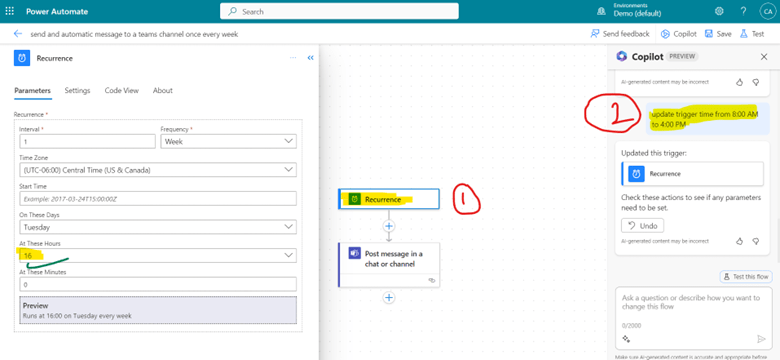
Step 3: click on “Copilot” option from top-right corner and describe the changes. For example – Update trigger time from 8:00 AM to 4:00 PM.
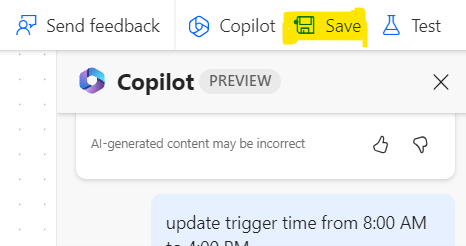
Step 4: Once you complete your flow, select “Save” this flow
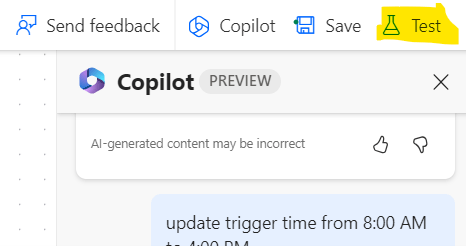
Step 5: After saving your flow, you may test it by selecting “Test” option.
Step 6: Now, you will receive notification on updated timing.
Note:
- You need a Power Platform environment in the United States or Preview (United States) region for the cloud flows designer with Copilot (preview).
- It is also starting to be available in Switzerland progressively.
- Currently, Copilot and generative AI features only work with the English language.
Hope it helps! 🙂
Thank you!
#Let’s_Learn_Together

 Power Spark
Leave a comment